
How many frames actually play in an animated PNG?
If a PNG decoder reports three images, the animation can still be only two frames long. An animated PNG (APNG) may carry a separate static picture for software that doesn’t play animations. Pillow makes that picture accessible at index 0. Counting every index as a playback frame would put a picture on the timeline that the file never asks a player to show.
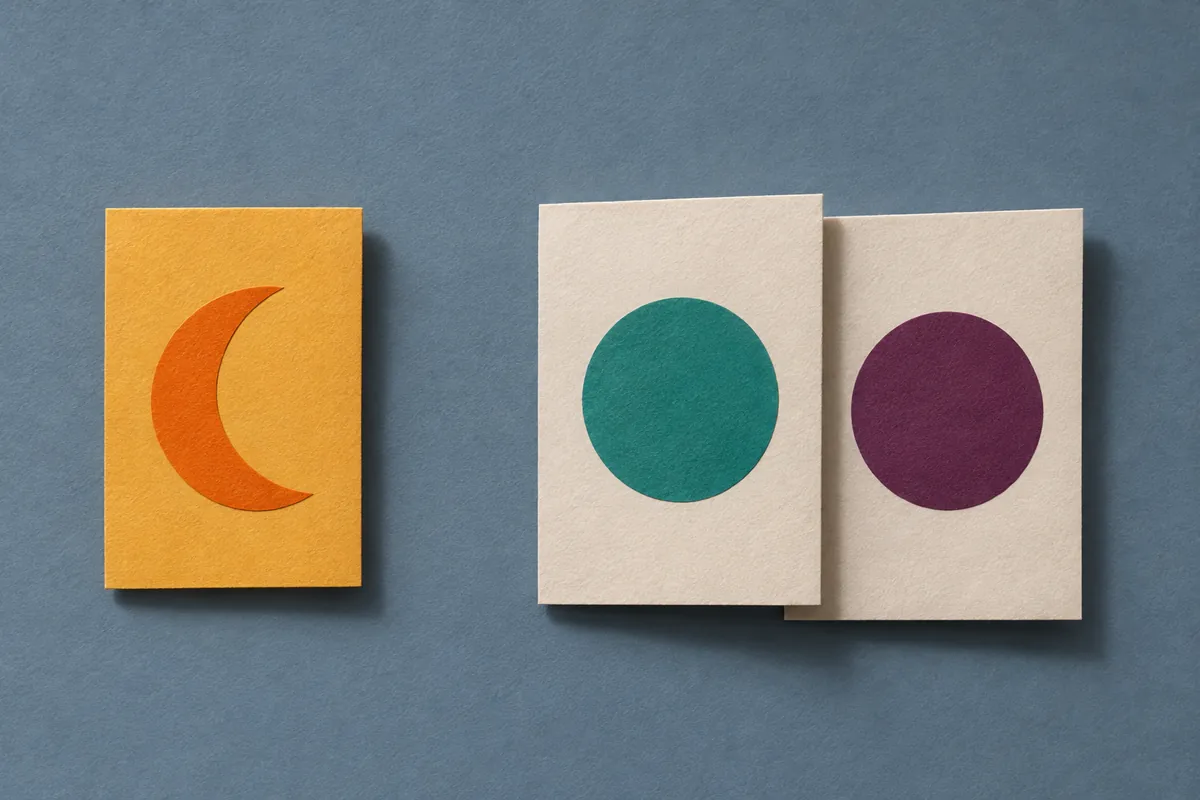
Two tiny files, the same two-frame animation
Constructed example. We made two 8 × 8 PNG files with solid-color frames and reopened them in Pillow 12.3.0. Each animation plays teal, then plum. Only the first file has an additional amber default picture. These are the colors read at the center of the decoded images, not observations of a social platform or measurements from a video.
| Source file | Decoder index 0 | Index 1 | Index 2 | Frames per play |
|---|---|---|---|---|
| poster-case.png | Amber · fallback only | Teal · first | Plum · second | 2 |
| included-case.png | Teal · first | Plum · second | No such index | 2 |
Imagine being asked for “frame 1” of the second file. A programmer using index 1 would send plum; a reviewer asking for the first image in playback would expect teal. In the first file, index 1 is the first playback frame. Use two columns in your notes: a decoder index starting at zero, and a playback number starting at one. Leave the second column empty for a fallback-only picture.
Read the role before stepping through the images
Save the following as inventory.py and run python inventory.py poster-case.png with Pillow installed, substituting the path to your own local copy. It reads the file and prints labels without rewriting it. The labels count one pass through the sequence, regardless of how often a viewer loops it.
from PIL import Image
import sys

with Image.open(sys.argv[1]) as im:
    if im.get_format_mimetype() != "image/apng":
        raise SystemExit("Expected an animated PNG")
    start = int(bool(im.info.get("default_image", False)))
    print("playback frames:", im.n_frames - start)
    for index in range(im.n_frames):
        im.seek(index)
        role = "fallback" if index < start else f"play-{index-start+1}"
        print(index, role, im.size)
Why does the switch work? In the W3C PNG specification, a frame control chunk (fcTL) before the first image data (IDAT) makes that default image part of the animation. If the first frame control comes later, the default picture stands apart. Pillow’s APNG documentation describes the corresponding default-image flag and how the separate image contributes one to the decoder’s frame count. A filename ending in .png does not settle either question.
Make a contact sheet someone can audit
If you need images as well as the printed list, start in a new output folder. Inside the loop, after seek, save im.convert("RGBA").save(f"{role}.png") there. Pillow returns the composed image for display, including the effects of prior frames where required. These derivatives are suitable for showing what a frame contains; their pixels are not a copy of the original compressed chunks. Keep the original file, its SHA-256 hash, the decoder version and the index-to-role list together.
For a sheet meant to show motion, use only the rows marked play-. If the fallback matters to the claim, show it alongside the sheet with its own caption. Record who supplied the file if known: this inspection can explain its playback sequence, but it cannot establish which image a particular browser, website or messenger displayed to a person.
By OSINT Jet · Primary sources reviewed 7 November 2026.