
OSINT Jet · Reading document evidence
PDF OCR Verification: Check the Words Before You Quote
You search a scanned PDF for a company name and get no results. Then you spot the name on page seven. The document did contain it; the searchable text did not represent it correctly. Before treating a search result as evidence, check the words on the page.
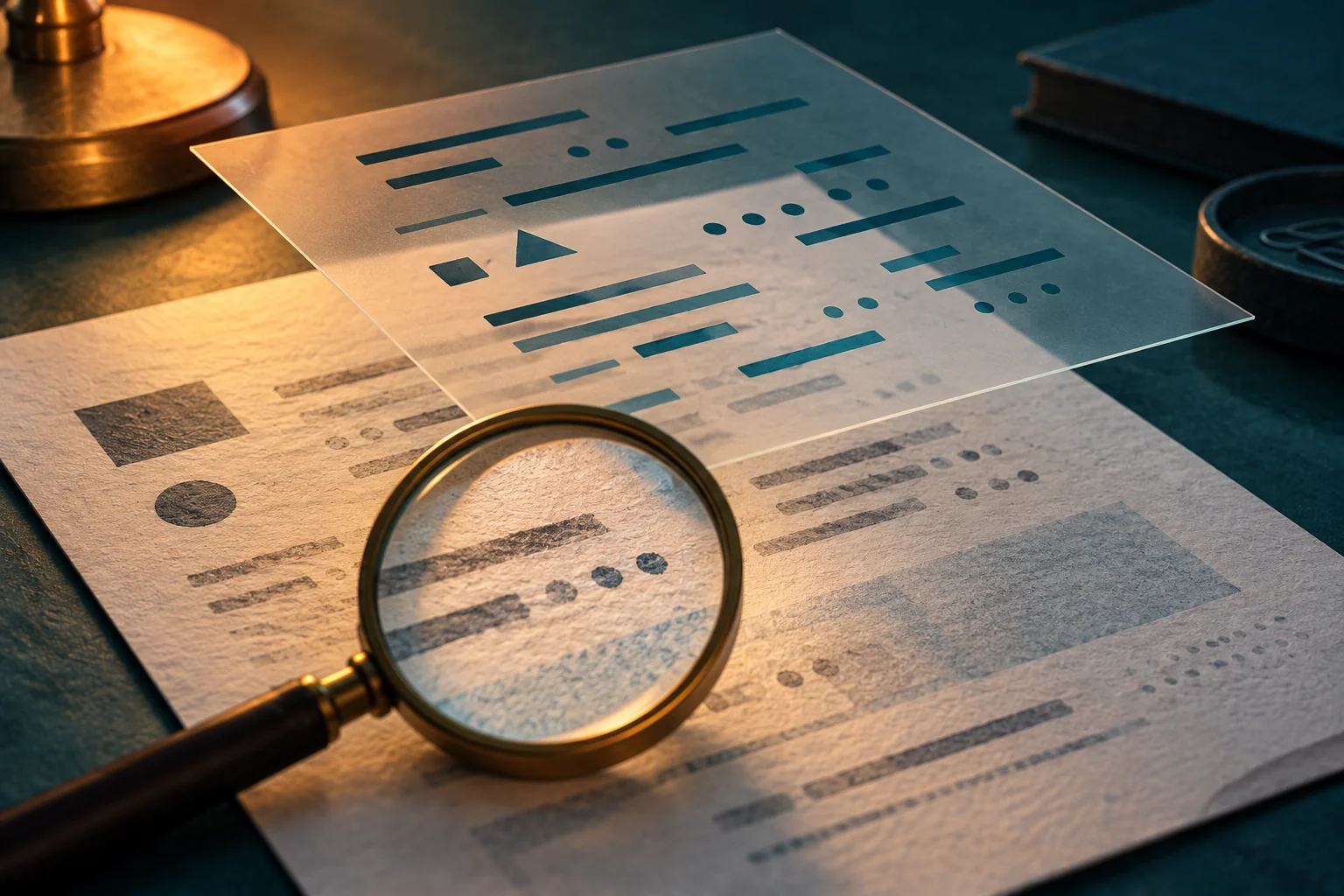
Why a PDF can look right and copy wrong
A scanned page starts as an image. Optical character recognition, or OCR, attempts to turn those pictured marks into searchable characters. A PDF can therefore show one thing while search or copy-paste reads a different text representation. Adobe’s recognition guide describes creating a searchable text layer and reviewing the result.
Not every extraction problem comes from OCR. A PDF created directly from a word processor may also copy in an unexpected order. Start with the discrepancy you can see; do not label the cause before checking it. Neither a search hit nor an extraction error proves the document is authentic, forged or complete.
The practical question is smaller: does the visible passage support the words, numbers and relationships I am about to put in my report?
A five-step check for a passage that matters
- Keep the received file. Retain its source URL or delivery context and retrieval time. Inspect a separate working copy. If you create new OCR output, save it separately so your changes cannot be mistaken for the supplied text.
- Locate the passage precisely. Record both the PDF page position and the printed page label, if they differ. “PDF page 9, printed page 7, second table” is more useful than a bare page number.
- Compare the extracted text with the visible region. Read the name, identifier, date, amount, unit and any negation. A missing “not” can matter more than ten misspelled ordinary words.
- Restore the surrounding context. Include the table heading, row label, footnote or sentence that tells you what a value means. Correct digits in the wrong column still produce a wrong finding.
- Record a bounded result. Use “visually confirmed,” “corrected transcription” or “unreadable in this copy,” with a short explanation. Do not quietly repair an uncertain digit because one answer seems plausible.
For long files, start with every passage your conclusion depends on, then sample other regions to understand the search limitations. A clean spot check does not establish that the rest of a 200-page document is error-free. If you need to say a name appears nowhere, your coverage must justify that stronger claim.
Search misses need a different response from misread words
When a search returns nothing, try a short distinctive fragment and inspect likely sections by eye. Names may be split at a line break, letters may be confused, or a page may not have a usable text layer. Record which pages and variants you checked. “No match in the extracted text” is an observation; “the document never mentions this company” is a much larger conclusion.
If a word is visible but unclear, zooming can help you inspect the existing detail. It cannot recover information that the file never captured. Seek a better copy or leave a marked uncertainty. Comparing another letter on the same page may suggest a reading, but it does not turn a blurred mark into certain evidence.
Try this: three errors that change a finding
Synthetic exercise. These cards are invented to teach comparison. They are not measured OCR results from Acrobat, Tesseract or OSINT Jet. Assume the “visible page” column is legible exactly as described.
| Location | Copied text | Visible page and context |
|---|---|---|
| Page 4, reference field | AB-O18 | AB-018, with a numeric zero after the hyphen. |
| Page 7, project costs | 2024 2025 / 41 14 | Under headings “2024” and “2025,” the same row reads 14 and 41. The table unit is “thousands.” |
| Page 11, eligibility note | Eligible for renewal | The full line reads “Not eligible for renewal under this category.” |
For each card, write what you would correct and what you still cannot infer. Then compare your answer with the following:
- Reference field: use
AB-018as the checked transcription and retain the original extracted string in your notes. The correction does not establish who issued the reference or whether it is genuine. - Costs: reconstruct the row under its headings: 2024 = 14 thousand, 2025 = 41 thousand. The sequence of copied numbers was insufficient because it lost their column relationship. If the currency is not given in the reviewed material, do not supply one.
- Eligibility: preserve the negation and category limit. The original extracted phrase reversed the meaning. The corrected line still does not tell you about other categories.
Table mistakes deserve special attention. Tesseract’s official quality guidance discusses layout, skew and the difficulty of recognizing table data without suitable segmentation. Treat a table as a structure to verify, not a bag of words that merely needs accurate spelling.
Keep a correction trail someone else can follow
A small worksheet is usually enough. Copy these six labels into your research notes:
| Source and version | Where this exact file came from; when it was obtained. |
|---|---|
| Page and region | PDF page, printed label, paragraph or table cell. |
| Original extracted text | Keep the tool output as received. |
| Visual reading | Write only what the image supports; mark uncertain characters. |
| Context | Heading, unit, footnote and relevant nearby wording. |
| Effect on the finding | Does the correction change an identifier, value or conclusion? |
In Acrobat, All tools → Scan & OCR → Correct recognized text provides a review path for recognition suspects. Adobe documents the image-and-text comparison workflow. Review corrections on the working copy. For your investigation, also check the critical passages themselves rather than treating a completed software review as proof of complete accuracy.
A second OCR pass can offer another reading. If the outputs disagree, go back to the visible page; if they agree, still check the passage. Two tools processing the same poor image are not two independent sources for what happened in the world.
Resolve the reading before expanding the investigation
An author-name discrepancy belongs in the PDF metadata workflow. A misread reference number belongs here. Keeping those tasks separate prevents a transcription mistake from growing into a theory about who created the file.
When the corrected wording changes a consequential claim, prepare the original passage, the extracted version and your comparison note. OSINT Jet’s specialist investigation request is a route to discuss a defined evidence-review task and its scope. State exactly which discrepancy needs review; agree what work is included before commissioning it.
Use the investigation report template to keep observation, transcription and interpretation separate. A reader should be able to see both what the document says and how cautiously you used it.
Published by OSINT Jet Editorial Team · 5 October 2026