
OSINT Jet · Following a document change
Compare two PDF versions: find the change that alters the claim
One version says a project “will open” in June. Another says it “opened” in June. A comparison tool may count that as a small edit beside dozens of font and spacing changes. For your research question, it could be the most important difference in the file.
Comparing PDFs is a two-part job: locate differences, then decide which differences change what the document asserts. The method below produces a short change record with page references, surrounding context and an explicit limit on what the comparison establishes.
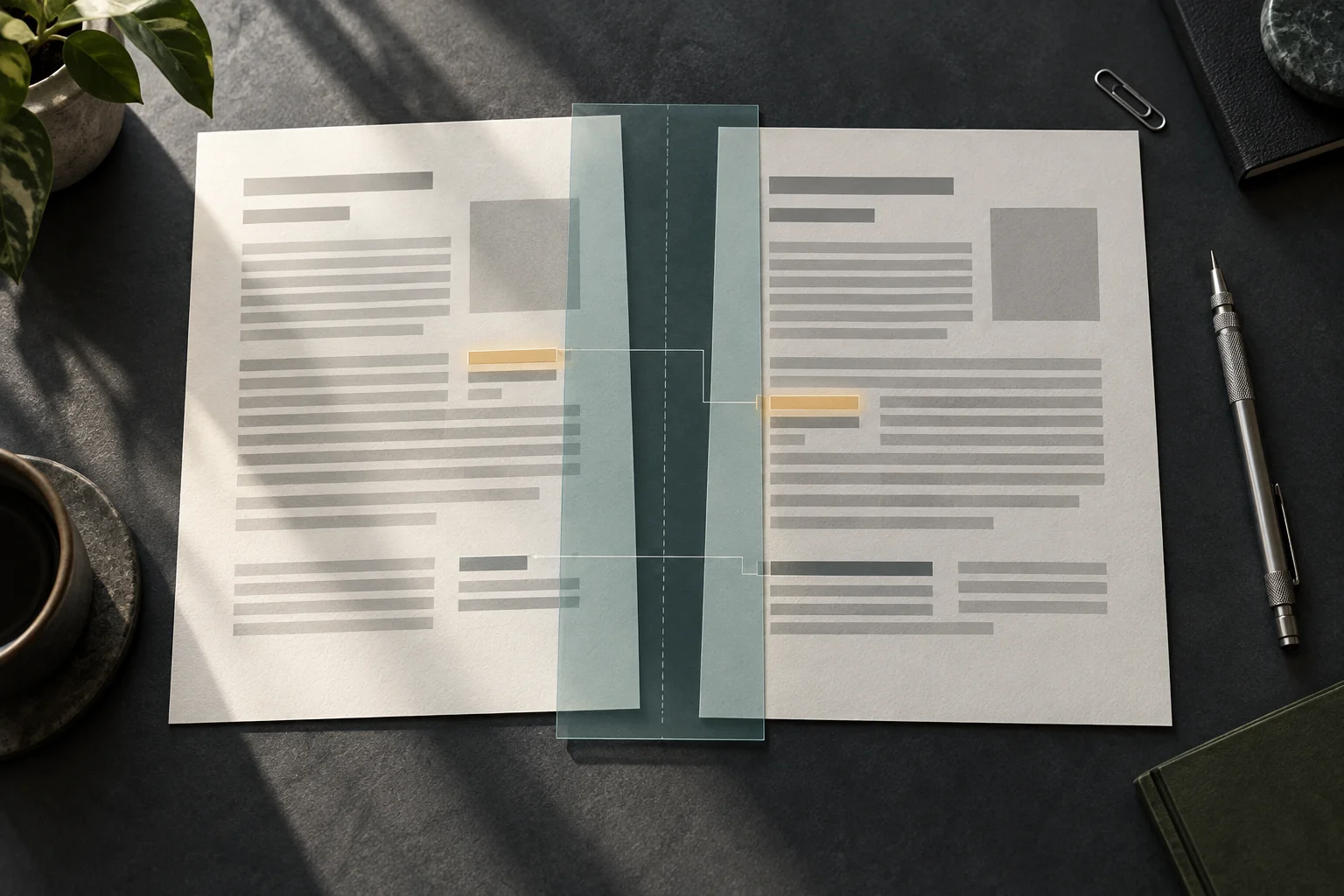
Label your copies before calling one “old”
Save both files as received or downloaded, without overwriting either. Give them neutral labels such as copy A and copy B until you have evidence of their order. A later download date does not necessarily mean a later edition: a website can restore an older file, and a forwarded attachment can arrive out of sequence.
For each copy, record its source URL or supplied origin, retrieval time, filename, visible edition/date and page count. Preserve the original files and work on copies. A file hash can help you recognise the exact bytes later, but different hashes do not tell you whether the words changed. Export settings and embedded resources can change a PDF too.
State the question in one sentence: “Did the later public version change the projected opening into a claim that the site was already operating?” That gives you a reason to inspect dates and verbs closely without pretending that every cosmetic difference has equal importance.
Match passages, not just page numbers
Start with the contents page, section headings, distinctive phrases and table titles. If copy B inserts a cover, A’s page 4 may correspond to B’s page 5. Compare the same passage before deciding that a line disappeared. A moved paragraph can otherwise look like a deletion followed by an insertion.
For a short document, two viewer windows and a written page map are enough. Keep the zoom comparable, inspect the whole page and then read the relevant paragraph in each copy. Search can help locate an anchor, but confirm the result on the visible page. Pay attention to both the PDF viewer’s page index and any page number printed on the document.
Longer documents benefit from a comparison tool. In Acrobat Pro’s Compare Files, select the two copies and check their order and page ranges. Text-only comparison omits graphic differences. The scanned-document option compares page images; report filters affect which changes you see, and some categories are off by default. Save the comparison output with the settings used.
For technical users, diffoscope can examine differences in PDFs and other file formats. Its output can include internal details beyond visible wording. Use a tool you can interpret, and keep non-public files off online comparison services unless you are authorised to share them. No tool result replaces checking the important passage in both source files.
Give each difference a meaning
| Difference | First interpretation | Check before reporting |
|---|---|---|
| A line moved to another page | Possible layout change | Whether its words, heading and footnote relationship stayed the same |
| A number changed | Possible factual revision | Units, period, denominator and table heading |
| “May” became “will” | Changed certainty | Whether another sentence still qualifies the claim |
| A footnote disappeared | Possible scope change | Whether the qualification moved elsewhere |
| Many characters differ in a scan | Possible recognition noise | The underlying page images rather than extracted text alone |
Use categories that help your decision: wording, quantity, scope, attribution, sequence or presentation. Avoid a single “changed” bucket. An altered attribution can matter even when the number stays the same: “the company estimates” and “the regulator reports” attach different authority to an identical figure.
Tables need a separate pass. Read the row label, column header, unit and footnote together. A text extractor may change their reading order, making an unchanged table look rewritten. Conversely, identical extracted words can miss a changed association between a label and its value. Inspect that association visually.
A six-change exercise
The following example is invented for practice. Copy A of a public project brief has four pages. Copy B adds a cover and has five. Both describe a fictional depot called North Quay.
- The title moves down the cover. Record a presentation change.
- The operations section shifts from page 2 to page 3. Update the page map; do not call the section new.
- “Will open in June” becomes “opened in June.” Record the changed status claim.
- A capacity of “20 tonnes per day” becomes “20 tonnes per week.” The digits match, but the rate changes substantially.
- The footnote “pilot capacity only” is absent at the corresponding table. Search the rest of B before calling the qualification removed.
- OCR reads a letter O as zero in a scanned heading. If the images agree, mark extraction error rather than an editorial revision.
The useful finding is not “six changes found.” It is that the opening status and capacity description differ, while the page shift and OCR output do not by themselves establish changed claims. Whether the depot actually opened still requires evidence outside these documents.
Write a change record that survives review
Use this compact structure for each material difference: A source and page; B source and page; exact short passage before and after; surrounding qualification; change category; implication for your question; unresolved check. Attach a small contextual crop only when necessary and preserve the full documents separately.
For the exercise, a careful note would say: “Copy B describes the depot as open, whereas A presents opening as a future event. The copies differ in that assertion. Their download times alone do not establish when the wording was edited or whether the claim is true.” This lets a reviewer challenge the evidence without having to reconstruct your comparison.
If a scan or extraction problem is driving the apparent difference, use the OCR verification workflow before treating it as content. If the comparison is complete, stop there. When the revised claim conflicts with other public evidence, take that specific contradiction into an investigation report or a scoped manual OSINT review. Describe which assertion needs checking; OSINT Jet’s wider research role is to organise supporting and conflicting clues, not to certify every PDF as authentic.
Published 15 October 2026 · OSINT Jet